Running the test
Publish the test
Make the test visible to pupils.
A new test is not published. Pupils do not see it until you publish it.
Before you publish
Check that:
- the test has content. A test without content cannot be taken.
- the answer key is correct. See Preview the test.
- the pupils have been added. See Add pupils and teachers.
- the time window is right.
Publish
Turn on Published
Turn on Published at the top of the Settings section.
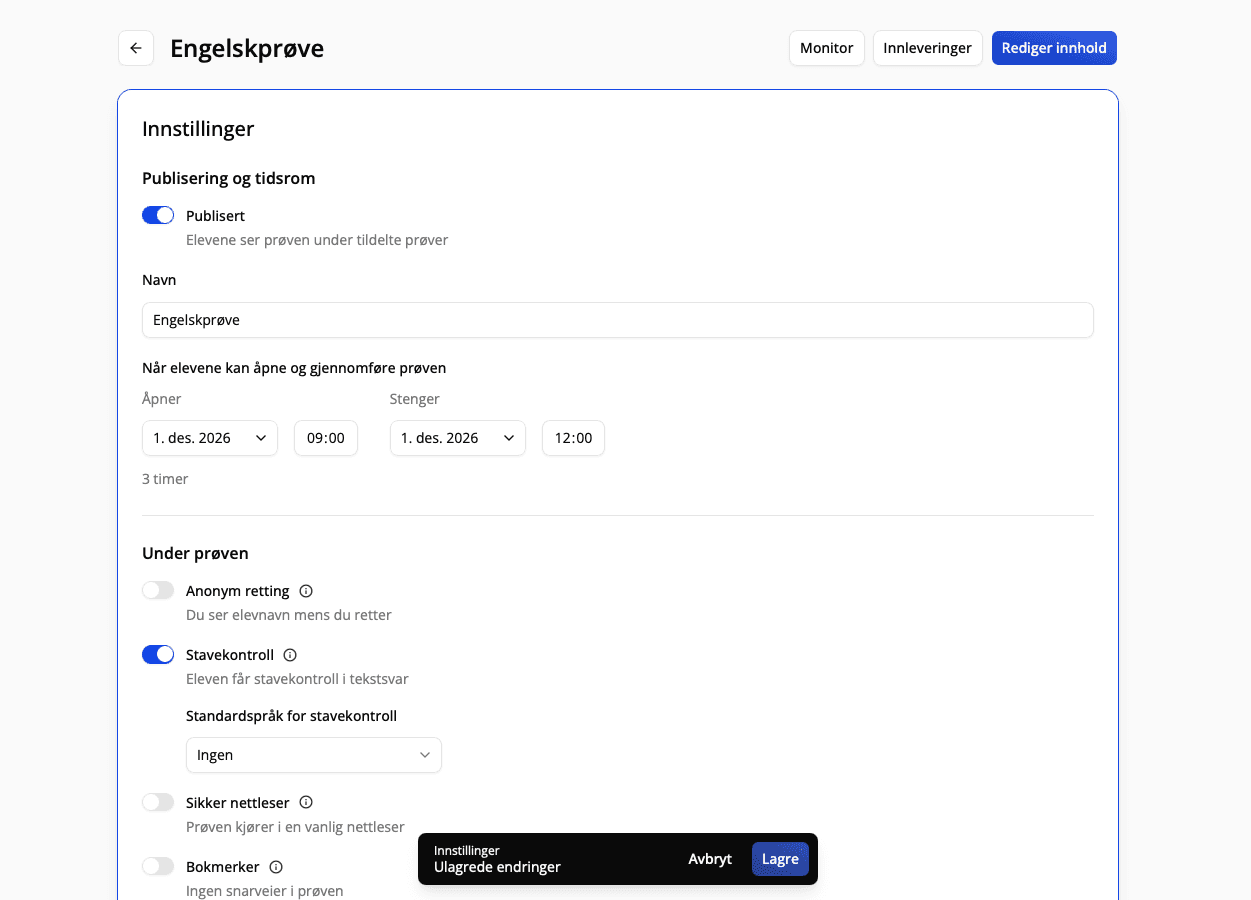
It now says Pupils see the test in their assigned tests.
What pupils see
Pupils see the test under Assigned tests when it is published and they have been added. Before the test opens, it is listed as Upcoming. When it opens, they can select Start test. See Take a test.
Unpublish
Turn off Published and select Save. Pupils no longer see the test. Answers they have submitted are not deleted.
If you unpublish while pupils are taking the test, they cannot save or submit their answers until you publish it again.
Both publishing and unpublishing are saved in the history.